Adding a description
How to add a description to your booking page
Your booking page is where potential clients can learn about you and your services.
Your description section is built specifically for you to showcase who you are and what you can offer.
You can update your description by going to Booking page and scrolling down to "Description".
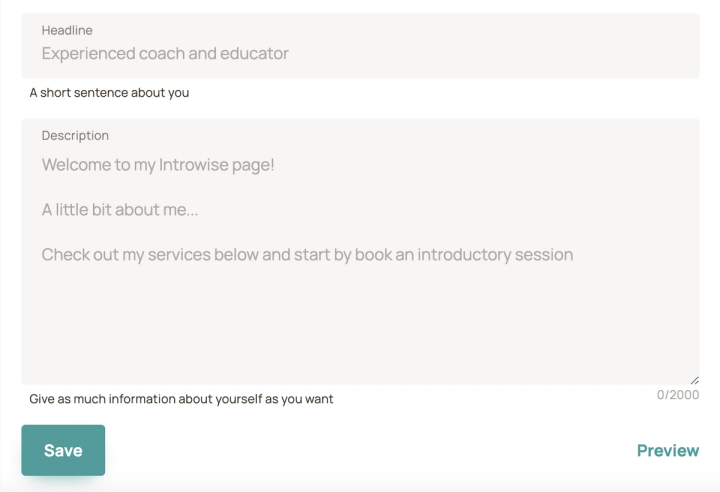
You have 2000 characters you can use in your description. You may use line breaks as well as emojis.
See examples of good pages with descriptions here and here.
Was this article helpful?
Let us know if this helped you find the next step.
Still need help?
Contact us and we'll help you troubleshoot or point you to the right guide.
Contact support